
Game Introduction
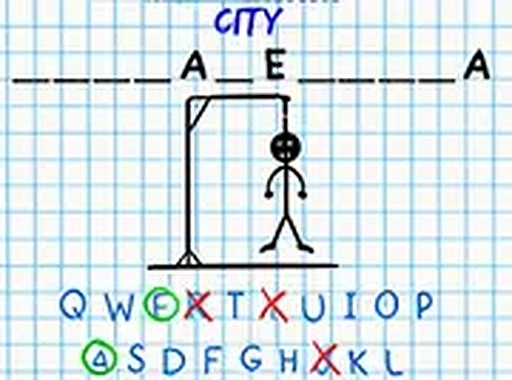
Word Guess Challenge Puzzle is a word puzzle game that focuses on vocabulary and deduction. The main goal is to guess a hidden word by choosing letters from an on-screen alphabet. A helpful hint at the top of the screen shows a category, such as animals, transport, school, or fruit. This clue gives players an idea of the word's theme. Each correct guess reveals the letter's position in the word, while each incorrect guess gradually adds to a drawing. The game ends when the word is completed or the drawing is fully drawn. This game offers a safe, family-friendly experience suitable for kids and adults alike. It can be played for free directly in a browser on any device.
How to Play
To begin, look at the hint displayed at the top of the screen to learn the word's category, such as animals or fruit. Then, click on letters from the alphabet shown below. If the letter is part of the hidden word, it will appear in the correct blank spaces. If it is not, a part of the drawing will appear. The round is won by guessing all the letters in the word before the drawing is completed. The game is designed for simple play on both mobile and desktop devices, with no downloads required. For a more focused experience, players can activate full screen mode.
Game Features
Word Guess Challenge Puzzle offers a fun word-guessing experience with helpful hints to guide players. The content is family-friendly and suitable for all ages. The game is free to play with no hidden costs or subscriptions. It requires no downloads or installations, running directly in a browser. It works seamlessly on both mobile and desktop browsers. A full screen mode is available for an enhanced, distraction-free experience. The game is designed to be intuitive, making it easy for anyone to start playing immediately.
Tips for Success
Start by focusing on common letters in the English language, such as vowels and frequently used consonants like T, N, S, and R. Use the hint to narrow down possible words within the given category. Pay attention to the length of the word shown by the number of blanks. Avoid repeating letters that have already been tried. Practice regularly to improve vocabulary and pattern recognition. Playing with a friend or family member can make the game more enjoyable and help learn new words together.


Comments
0 comments